
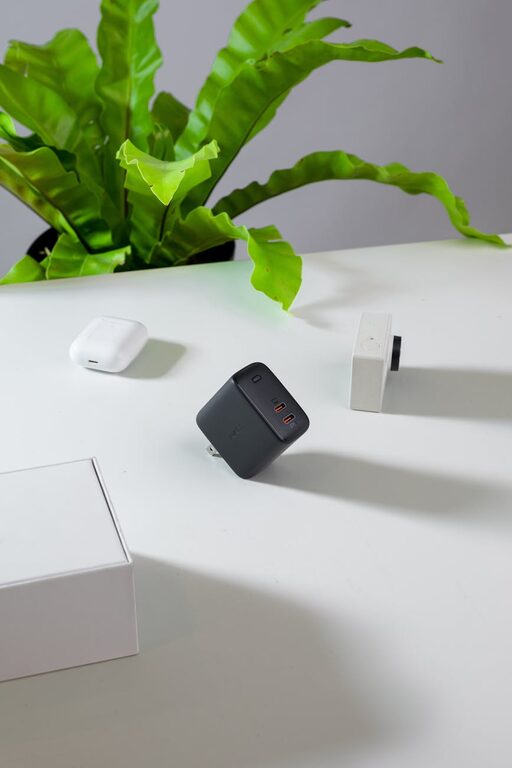
Setting up a dedicated charging station for your devices is a smart way to keep your gadgets organized, charged, and ready to use. Whether you have smartphones, tablets, smartwatches, or wireless earbuds, having a central spot can reduce clutter and hassle. In this guide, we’ll walk you through the essential steps and tips to create a functional and stylish charging station at home.
Why Create a Charging Station?
With so many devices in our daily lives, charging cables and adapters often end up tangled or lost. A dedicated charging station offers several benefits:
– Minimizes clutter on your desk or countertop
– Keeps devices organized and easy to find
– Protects cables and chargers from damage
– Provides a consistent spot to charge all your essentials
Step 1: Choose the Right Location
Finding the perfect spot for your charging station is the first step.
Consider These Factors:
– Accessibility: Pick a location that everyone in the household can easily reach.
– Power Sources: Ensure there are enough electrical outlets nearby to accommodate multiple chargers.
– Safety: Avoid places near water or heat sources.
– Surface Space: Choose a flat surface with enough room for all your devices and chargers.
Popular locations include entryway tables, desks, kitchen counters, or bedside tables.
Step 2: Gather Your Charging Equipment
Before setting up the station, make sure you have the necessary equipment.
Essentials Include:
– Multi-port USB charger: This device allows you to plug in multiple devices at once using USB ports.
– Power strip with surge protection: To protect your electronics from power surges.
– Charging cables: Ensure you have the right cables for your devices (USB-C, Lightning, micro USB, etc.).
– Charging stands or docks: Optional, but they help keep devices upright and organized.
– Cable organizers: Clips, sleeves, or boxes can keep your cords untangled and tidy.
Step 3: Organize Your Charging Station
Organization helps make your charging station both efficient and visually pleasing.
Tips for Organization:
– Label cables: Use small tags or stickers to identify which cable belongs to which device.
– Use cable management tools: Velcro straps, cable clips, or spiral wraps keep cords neat.
– Utilize vertical space: Place charging docks or stands to arrange devices in tiers.
– Hide power strips: Use a cable box to conceal the power strip and excess cords.
– Designate device spots: Assign specific spots for frequent devices, so they’re easy to place and grab.
Step 4: Set Up the Station
Now, put everything together.
How to Set Up:
- Plug the multi-port charger into the surge protector or power strip.
- Connect all charging cables to the charger and place the cables neatly.
- Arrange your devices on stands or flat on the surface as preferred.
- Use cable organizers to route cables cleanly toward the charger.
- Optionally, add small baskets or trays nearby for items like earbuds or smartwatches.
Step 5: Maintain Your Charging Station
Once your station is set up, it’s important to keep it tidy and functional.
Maintenance Tips:
– Regularly untangle cables to avoid damage.
– Check chargers and cords for wear and replace faulty ones.
– Clean the surface to prevent dust buildup.
– Rearrange devices as needed when adding new gadgets.
– Limit charging time to avoid overcharging batteries.
Bonus Tips for an Enhanced Charging Station
– Use wireless chargers: Incorporate wireless charging pads for compatible devices to reduce cable clutter.
– Add labels or signs: If the station is shared, helping everyone know where to place their devices keeps things orderly.
– Personalize the area: Add a small plant, photo frame, or decorative item to make the station inviting.
– Invest in fast chargers: Ensure your chargers support fast charging to reduce wait time.
– Consider USB-C hubs: USB-C has become standard in newer devices, and hubs can expand your options.
Final Thoughts
Creating a device charging station doesn’t have to be complicated. With a little planning and organization, you can set up a charging spot that keeps your electronics powered and your space clutter-free. Whether you have a handful of devices or a whole family’s worth, a charging station simplifies your daily routine and protects your valuable gadgets.
Try these steps today and enjoy a more organized, efficient home charging experience!